
How to pay a creator with just their email
Often times when you’re working with creators, it can be such a hassle to coordinate invoices and handle filing their tax forms; Grade makes this dead...


Often times when you’re working with creators, it can be such a hassle to coordinate invoices and handle filing their tax forms; Grade makes this dead simple. As long as you have the creator’s email, you can send them money, pretty much anywhere in the world, with any currency, and any payout method.
I’ll show you how simple it is.
1. Go to the ‘Quick Pay’ tab
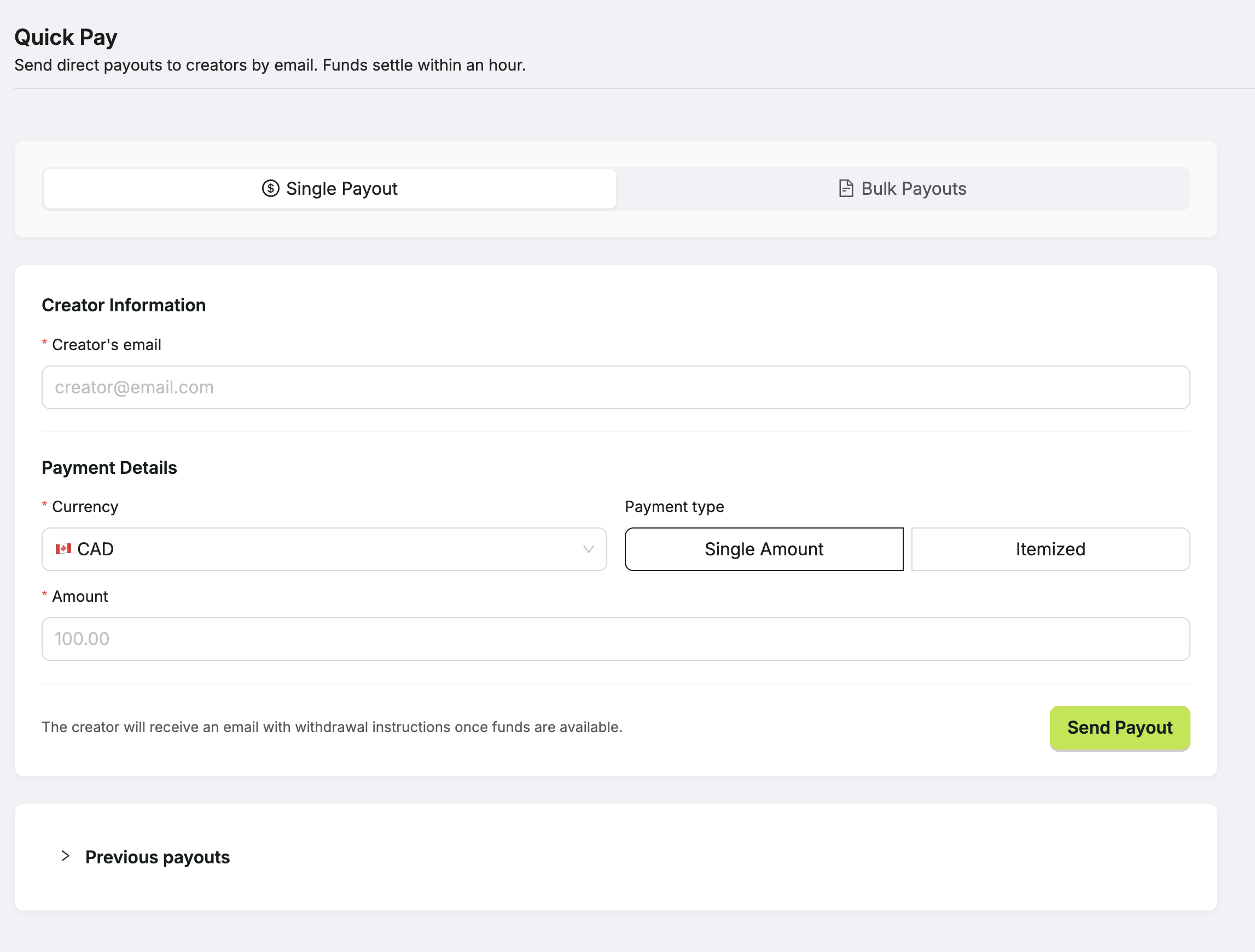
Here you can payout creators directly with just an email, or you can pay with a CSV for bulk payout options; paying creators directly with their email will be our focus for now.
2. Type in the creator’s email
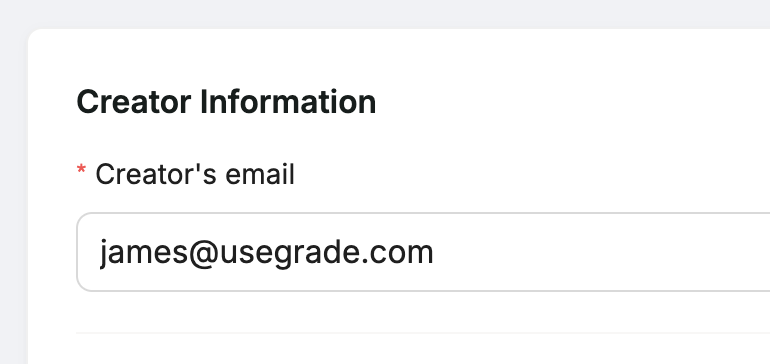
3. Select payment type: Single amount or Itemized
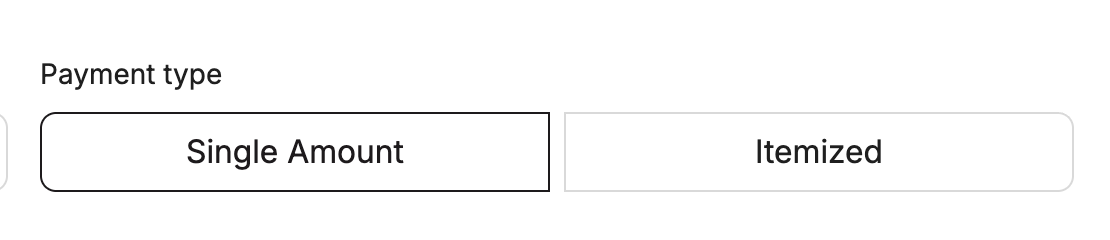
We give you the option to send a single amount of money to the email, or an itemized bill with specific line items. The choice is yours, but in both cases invoices and taxes are handled.
Single Amount
Select your currency
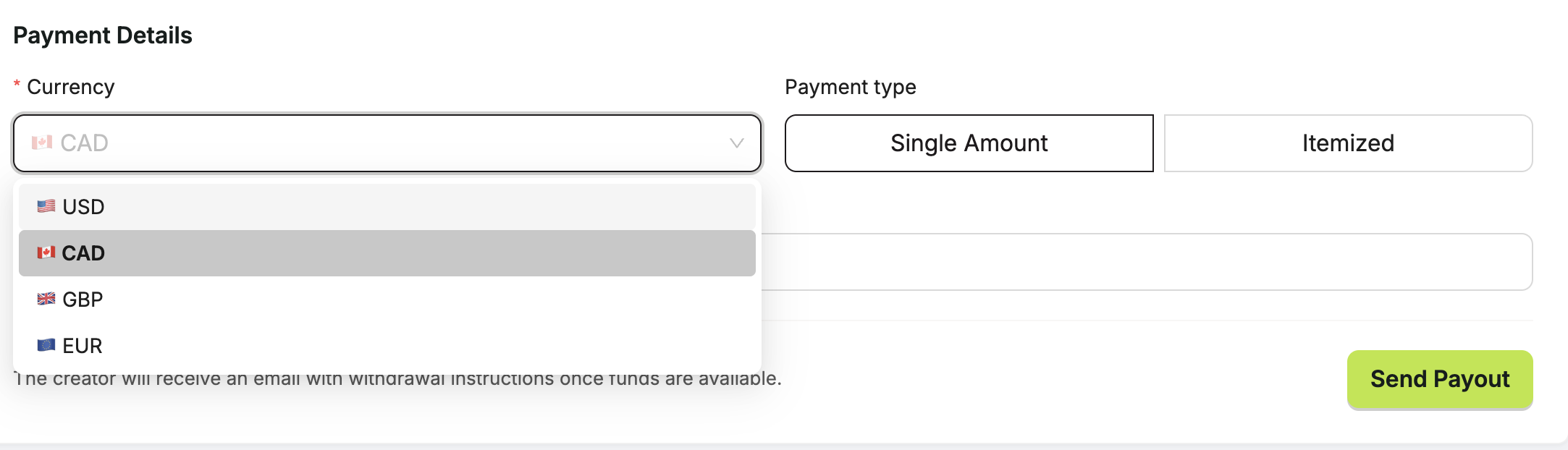
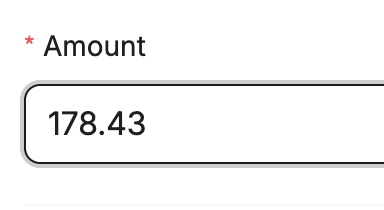
Type your amount
Itemized
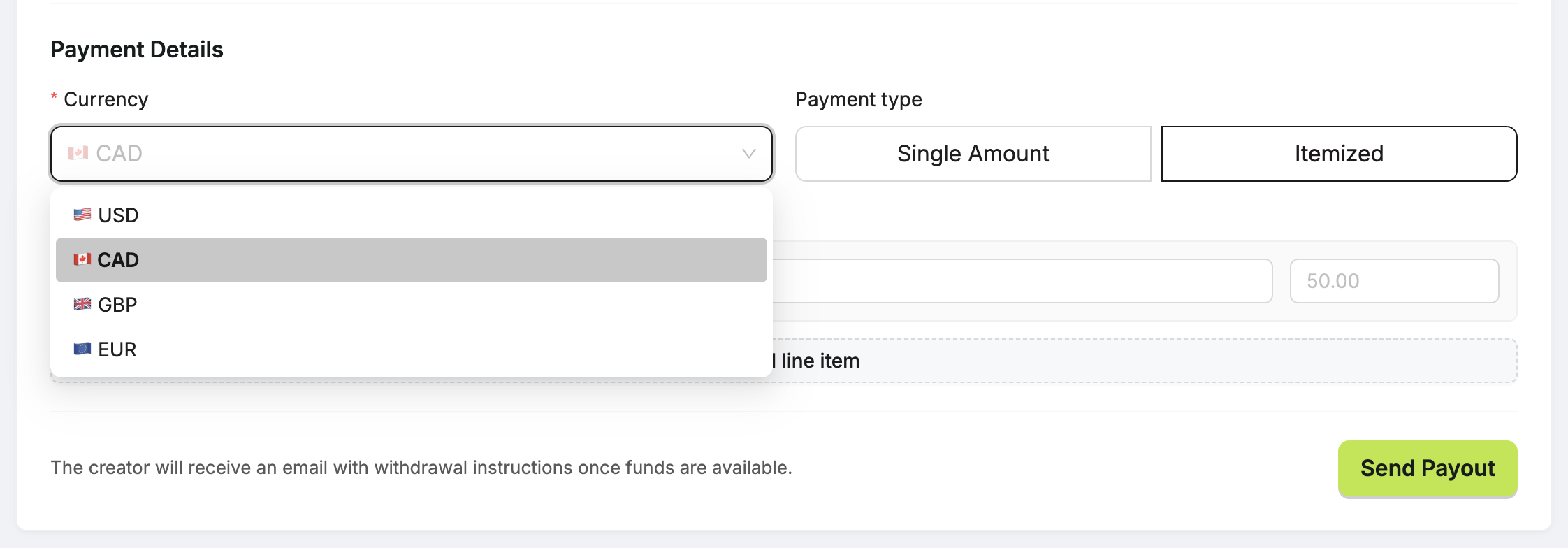
Select your currency
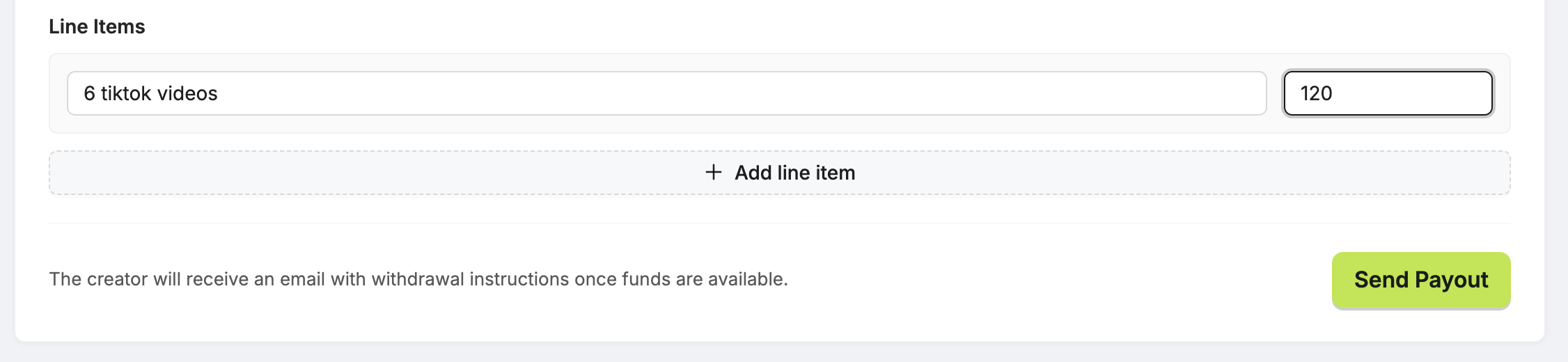
Type in a line item
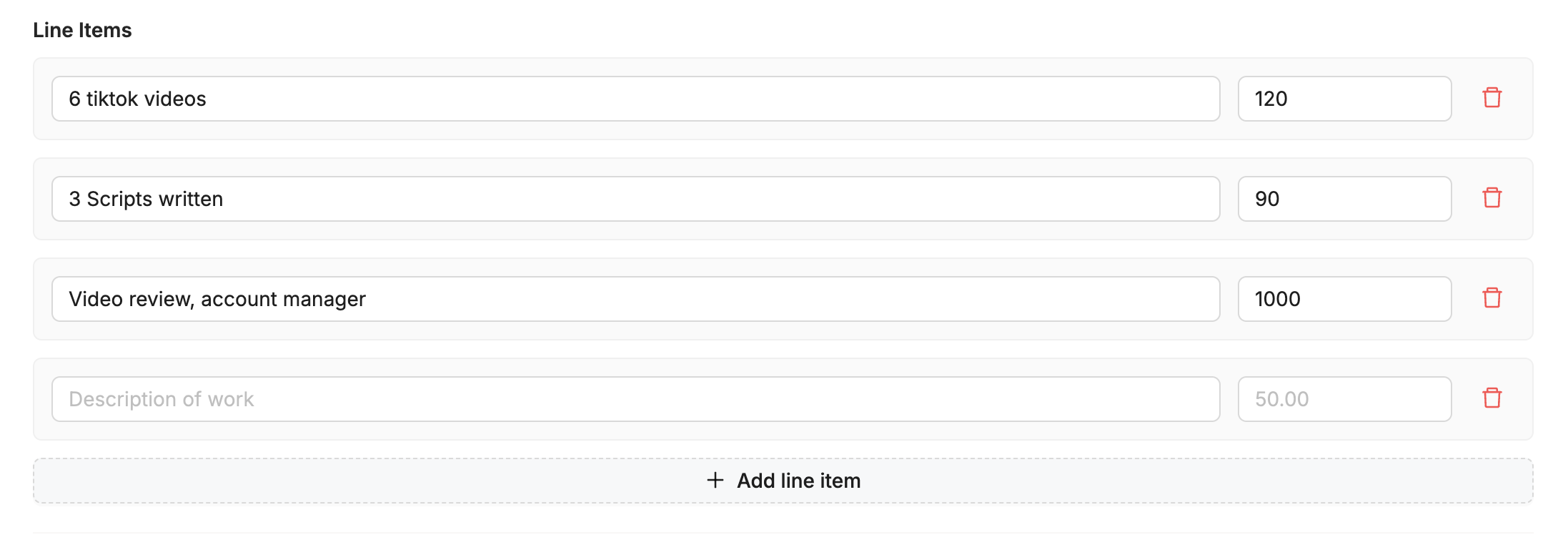
Add as many line items as you need
4. Click ‘Send Payout’
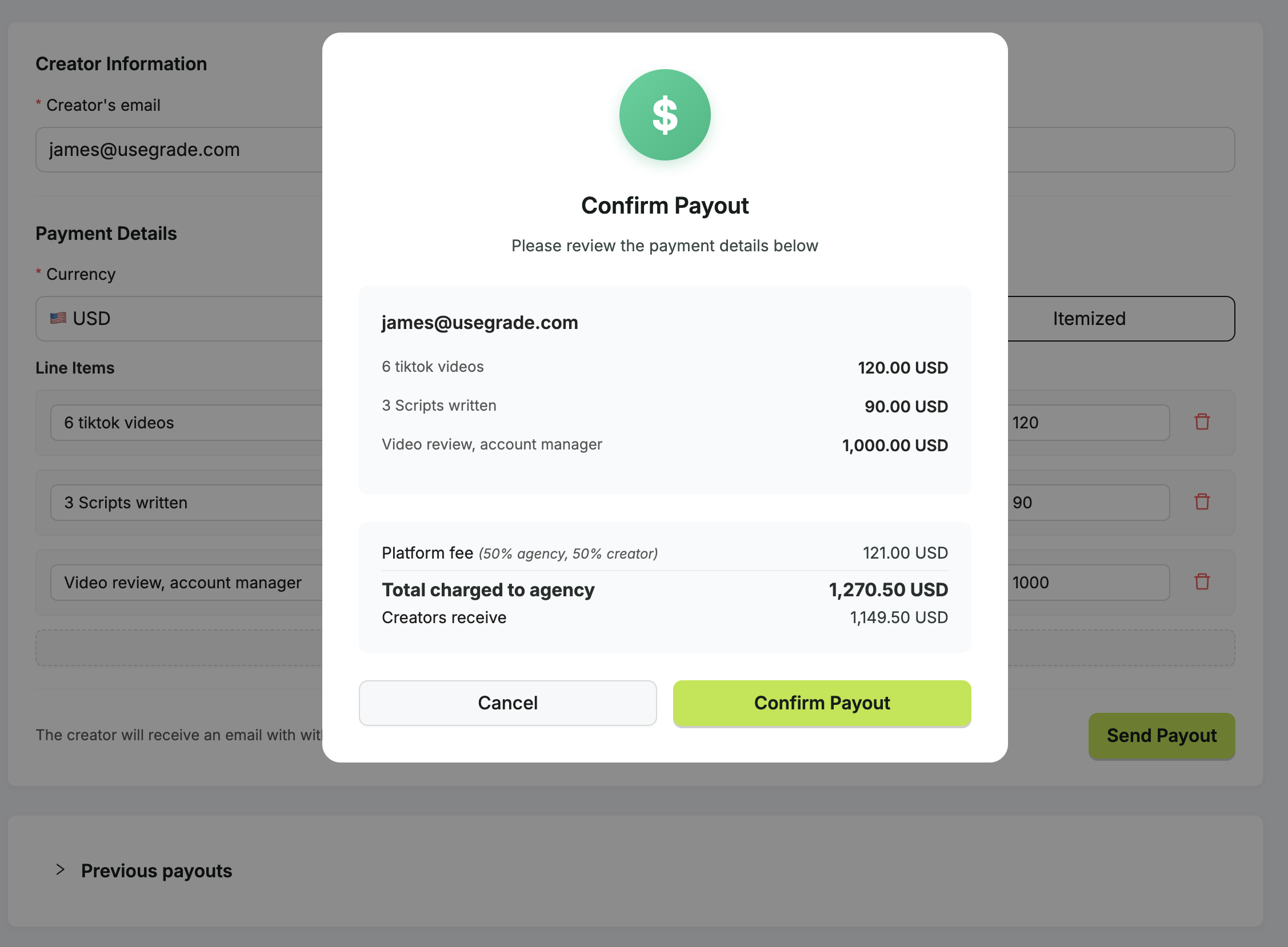
Once you click send payout, you’ll see this confirmation modal appear.
This is your last chance to check things over before we send the payment out; but don’t worry, if you made a mistake, we can fix that easily.
5. What if I made a mistake?
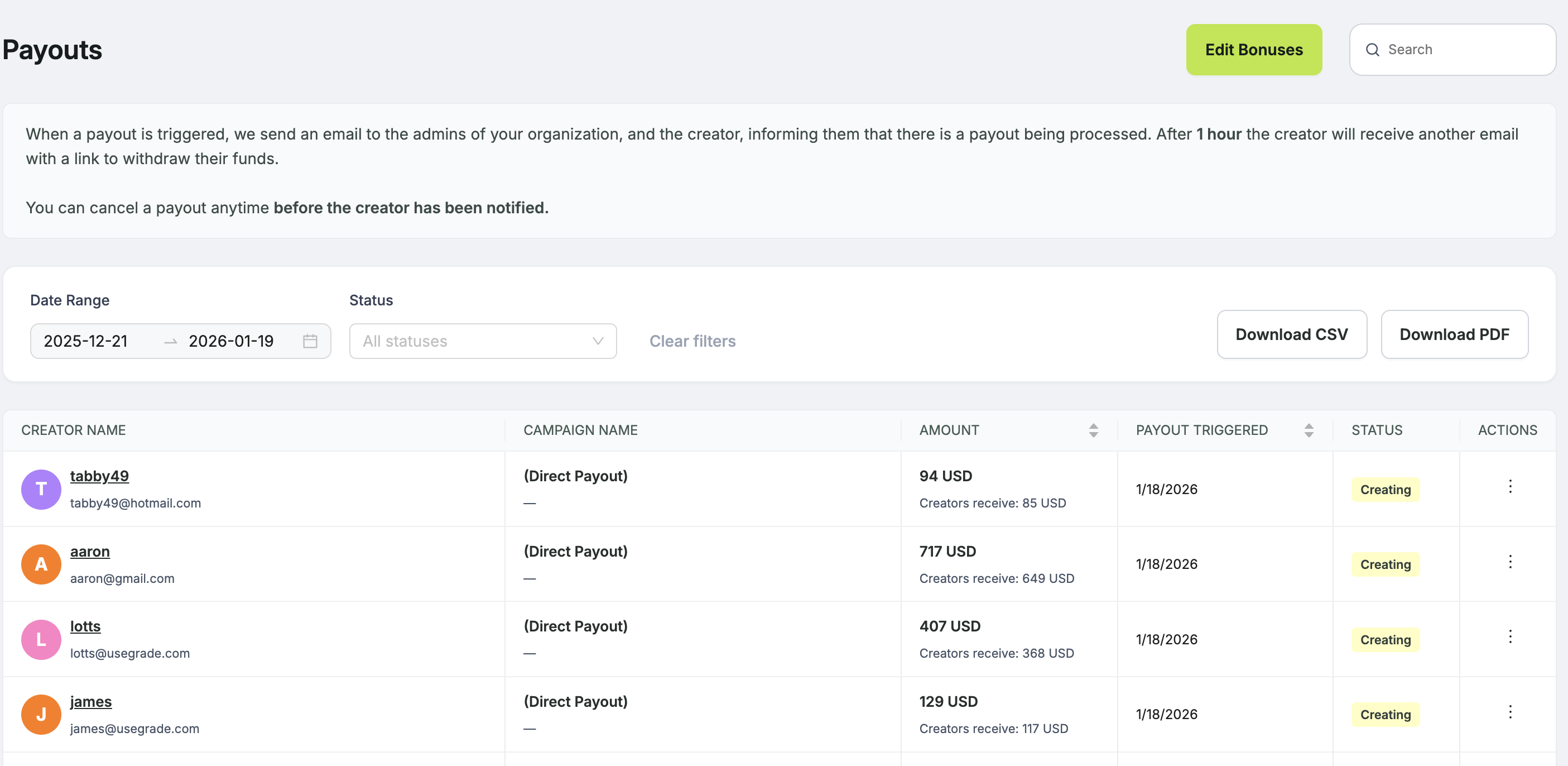
It happens!
Go to the “Payouts” tab and there you’ll see a table with all of the payouts currently “in-flight”. As long as the status isn’t claimed, you can cancel it.
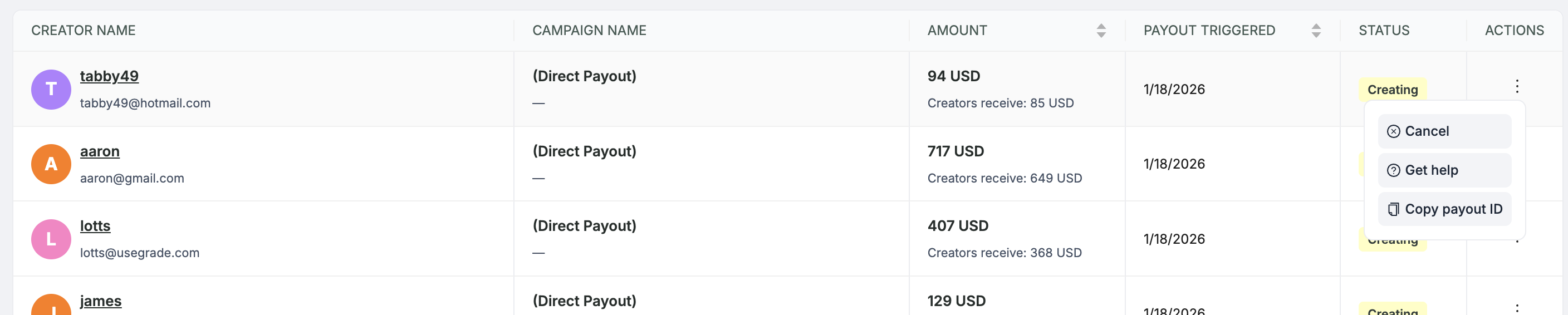
Select the three dot context menu on the creator you want to cancel the payout for, click cancel, confirm the next modal that appears, and you’re good to go.
The money is returned to your wallet, the creator is notified that the last transaction was cancelled, and you can do it again.
Ready to scale your contractor payouts?
With just their email, you can track results, send payouts, and automate tax forms.
Try Grade Free →
